You ask. Kap prepares. You approve.
A case, the documents you need and a reply to review. Explore the same interface with Kap Box or Kap Cloud.
Small businesses our team has worked with.

























Choose your team's plan.
One monthly fee, with the device and support included. No per-query charges.
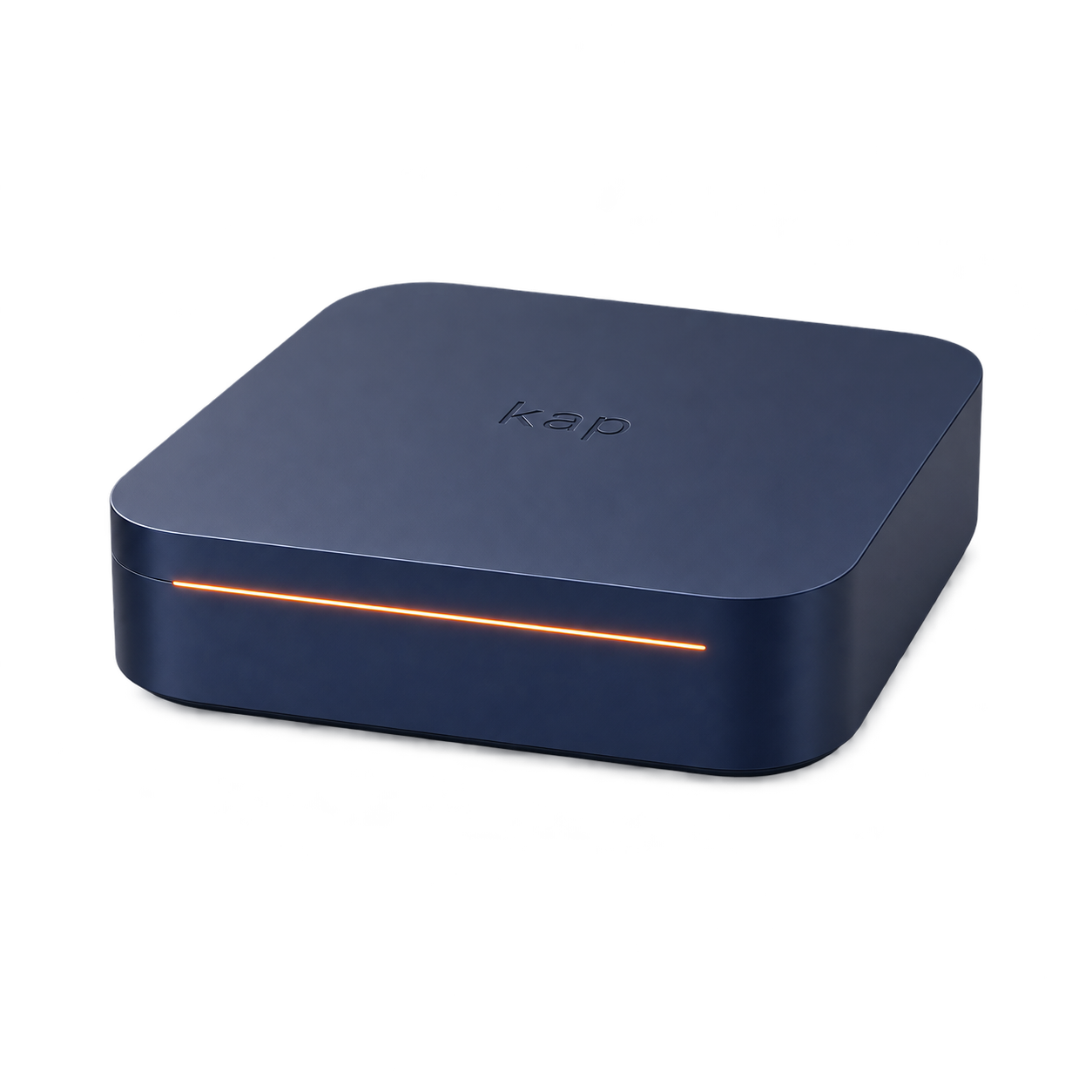
Installed on your premises.
Kap Box Essential
5 users included
€590excl. VAT / month
- Kap Box device included in the rental
- Updates, maintenance and support included
- No per-query charges
Setup: €2,000 excl. VAT. Term: 24 months.
Kap Cloud is also available, without a device.
3 users, €290 excl. VAT / month. Setup: €490 excl. VAT. Term: 12 months.
Your AI works on your premises.
The model and memory run on Kap Box. You choose which tools to connect and approve the actions.
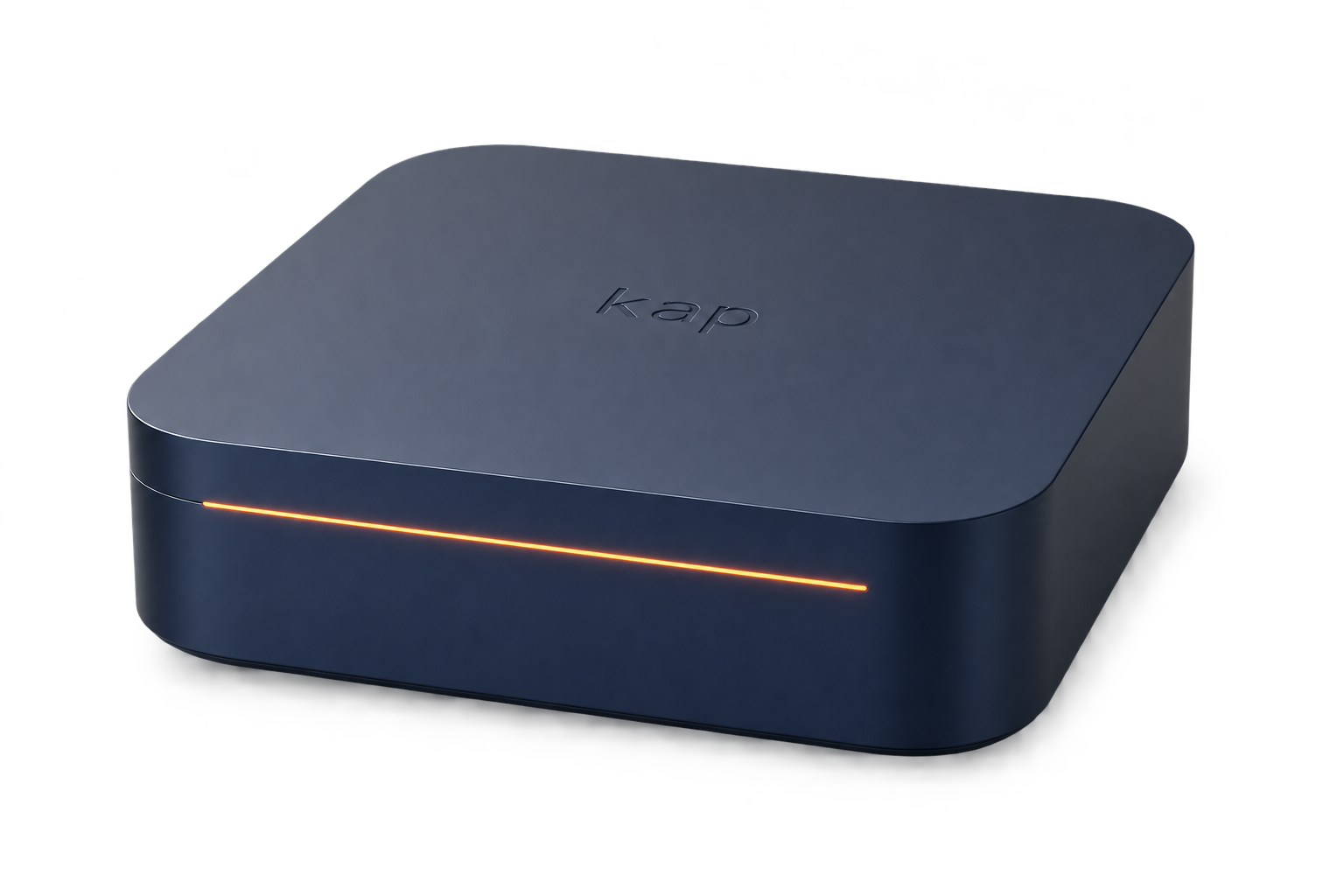 Processing on the Box
Local AI and memory
We agree the connections with you, based on your applications and authorised access.
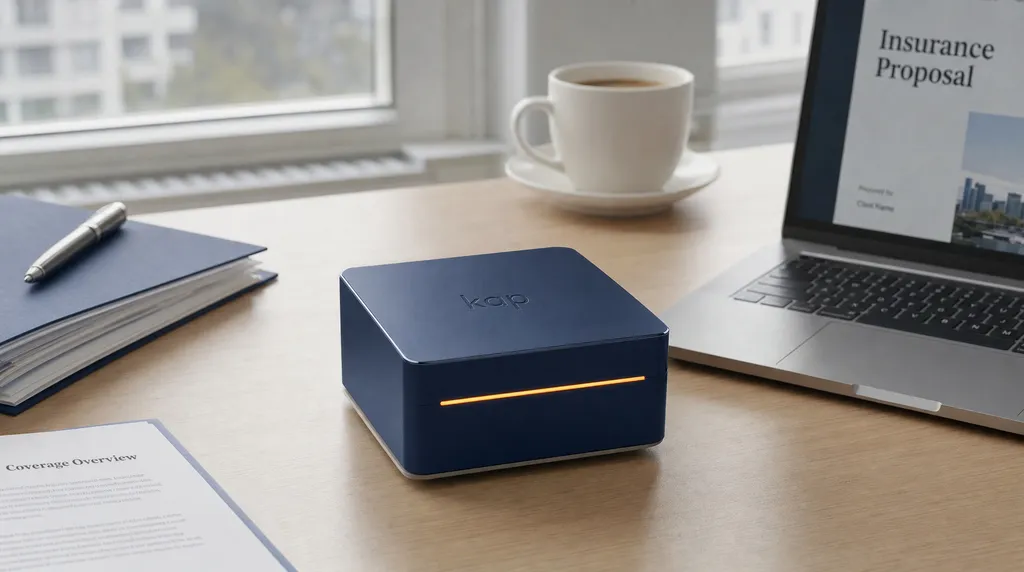
Your tools, one connected workflow
An email, an attachment, a meeting note: information for the same case often sits in different applications. Kap helps you find it all and prepare the next step.
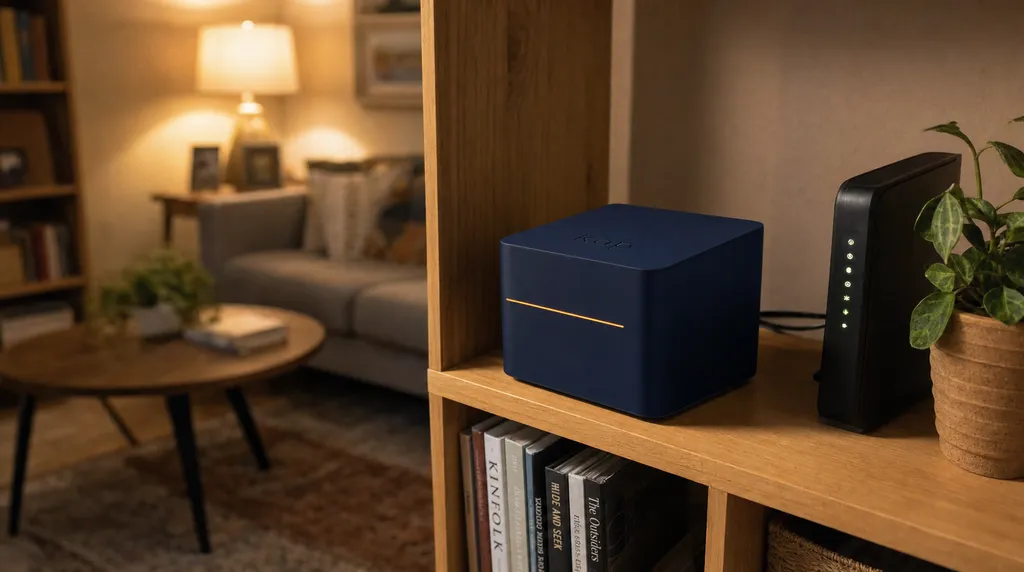
Your cases keep their context
For a client request, a meeting or a deadline, start with the relevant exchanges and documents. See what is missing, then decide what should happen next.
For your line of work
Choose how Kap helps your team, using your own cases and tools.

Insurance: find a policyholder's contract and correspondence, then prepare a reply to review before sending.
Property and rental management: bring together messages, documents and upcoming deadlines to follow a case.
Consulting and project owner support: prepare the follow-up for an assignment using your meeting notes, documents and actions to review.
Your tools, connected by Kap
Email, documents, meetings and management: connect the work across the tools you already use.
Kap Box
-
 Gmail
-
 Microsoft 365
-
 Slack
-
 Notion
-
 Google Drive
-
 Outlook
-
 HubSpot
-
 Dropbox
-
 Microsoft Teams
-
 Google Calendar
-
 Brevo
-
 OneDrive
-
 Zoom
-
 Salesforce
-
 Trello
-
 Asana
-
 WhatsApp
-
 Linear
-
 Google Meet
-
 Fathom
-
 Pipedrive
-
 Qonto
And your business software. The catalogue is growing; we confirm which connections suit your project.
Your questions
The device, your tools and getting started: answers to help you prepare your Kap Box project.
Where does Kap Box AI run?
Kap Box is installed on your premises. Kap's model and memory run on the device. Exchanges with your applications follow the connections and permissions agreed with you.
Which tools can I connect?
We start with your environment: Google Workspace, Microsoft 365, CRM, meeting tools and business software. We agree the scope and connector availability before deployment.
Does Kap act without my approval?
Kap prepares replies and actions using your cases. You review and approve them. Each team member uses the access assigned to them.
What if I prefer Kap Cloud?
Kap Box is our main product, installed on your premises. Kap Cloud is a device-free alternative hosted in Europe, from €290 excl. VAT per month for three users. We help you choose based on your needs.
The team behind your Box
The people building Kap and supporting you, from the first conversation to installation.

Étienne Guimbard
Founder

Lyes Triki
Project manager
Your Box in practice
Installed on your premises
Kap Box, on your premises.
We set up the Box.
You choose how to use it.
- On your premises
- Device on site, accessed through your browser.
- Local processing
- Model and case memory on the Box.
- Your connections
- The tools and access you authorise.
- Your approval
- You review and approve the prepared actions.
- Your team
- 5, 15 or 40 users, depending on your plan.
- Support
- Installation, updates, maintenance and support.
We agree the hardware and scope of connections with you before installation.
Let's talk about your Box
Tell us which tools you use and what you would like to simplify. We will discuss your work, the connections to set up and the right plan for your team.